

meta title: Phone Not Charging? 6 Simple Fixes to Try in Australia
meta description: Is your phone not charging? Learn how to fix it with our guide. We cover cleaning the port, checking cables, and when to book a repair in Brisbane.
We’ve all felt that pang of panic: you plug in your phone, and… nothing. The screen stays dark. Before you jump to conclusions and start budgeting for a new phone, take a breath. More often than not, the reason your phone won’t charge is something simple and easy to fix yourself.
Let's walk through the most common culprits, starting with the easiest things you can check right now, no special tools required. This methodical approach will help you pinpoint the problem without any guesswork. We'll cover everything from the wall socket all the way to the software on your device, ending with how the experts at Screen Fixed Brisbane can help if the problem is more serious.
Check the Obvious First
It might sound silly, but you'd be surprised how often the issue isn't the phone at all. Your first move should always be to confirm your power source is actually working. The easiest way is to plug something else, like a lamp or another charger, into the same power point. If it lights up, you know the outlet is good.
Next up is the charging gear itself. Grab a different wall adapter and charging cable that you know works. Cables, especially the cheaper ones, take a lot of abuse from being bent, twisted, and yanked out. They fail all the time. If your phone springs to life with a different cable and brick, you've found your culprit. Simple.
Inspect the Charging Port
One of the most frequent yet overlooked reasons a phone stops charging is a dirty or clogged port. Think about it—your phone lives in your pocket or bag, collecting lint, dust, and all sorts of other gunk. Over time, this debris gets packed into the charging port, preventing the cable from making a solid connection.
Shine a torch into the port; you can often see the blockage straight away. Here’s how to clean it out safely:
- Compressed air is your best first try. A quick, sharp burst can dislodge any loose dust and lint.
- For more stubborn build-up, a wooden or plastic toothpick works wonders. Gently scrape around the inside of the port to loosen and remove the compacted debris. Just be sure to avoid anything metal, like a paperclip, which could easily short out the charging pins.
A blocked charging port is incredibly common. We see phones come in for "repair" all the time where the only issue is a significant build-up of pocket lint. A 30-second clean is often all that's needed to get it working perfectly again.
This handy visual guide breaks down these initial troubleshooting steps into a simple decision tree.
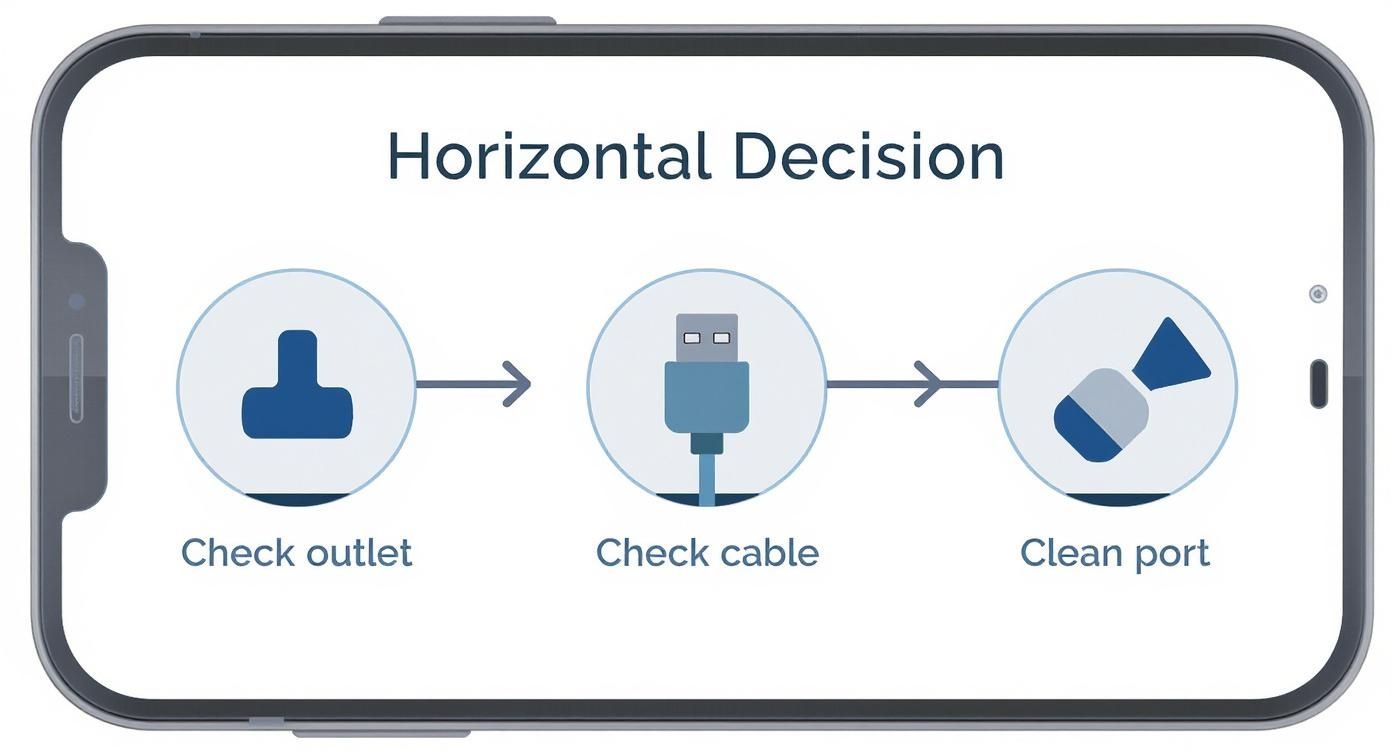
alt text: Infographic decision tree for diagnosing a phone not charging, with icons for checking the outlet, cable, and cleaning the port.
To make this process even clearer, here's a quick checklist to follow. Work through these steps in order to diagnose why your phone isn't charging before moving on to more complex solutions.
Quick Troubleshooting Checklist
| Troubleshooting Step | What to Check | Potential Solution |
|---|---|---|
| Power Source | Is the wall outlet providing power? | Test the outlet with another device (e.g., a lamp). |
| Charging Cable | Is the cable damaged or faulty? | Try a different, known-working charging cable. |
| Wall Adapter | Could the power brick be the issue? | Use a different, known-working wall adapter. |
| Charging Port | Is the port blocked with lint or debris? | Carefully clean the port with compressed air or a toothpick. |
| Software Glitch | Has the phone's software crashed? | Perform a simple restart (or a force restart if needed). |
By following this sequence methodically, you can quickly identify or rule out the most common external factors. If you've tried all of these and your phone still isn't cooperating, then it might be time to look at a deeper issue with the phone itself.
How to Inspect Your Charging Gear for Damage
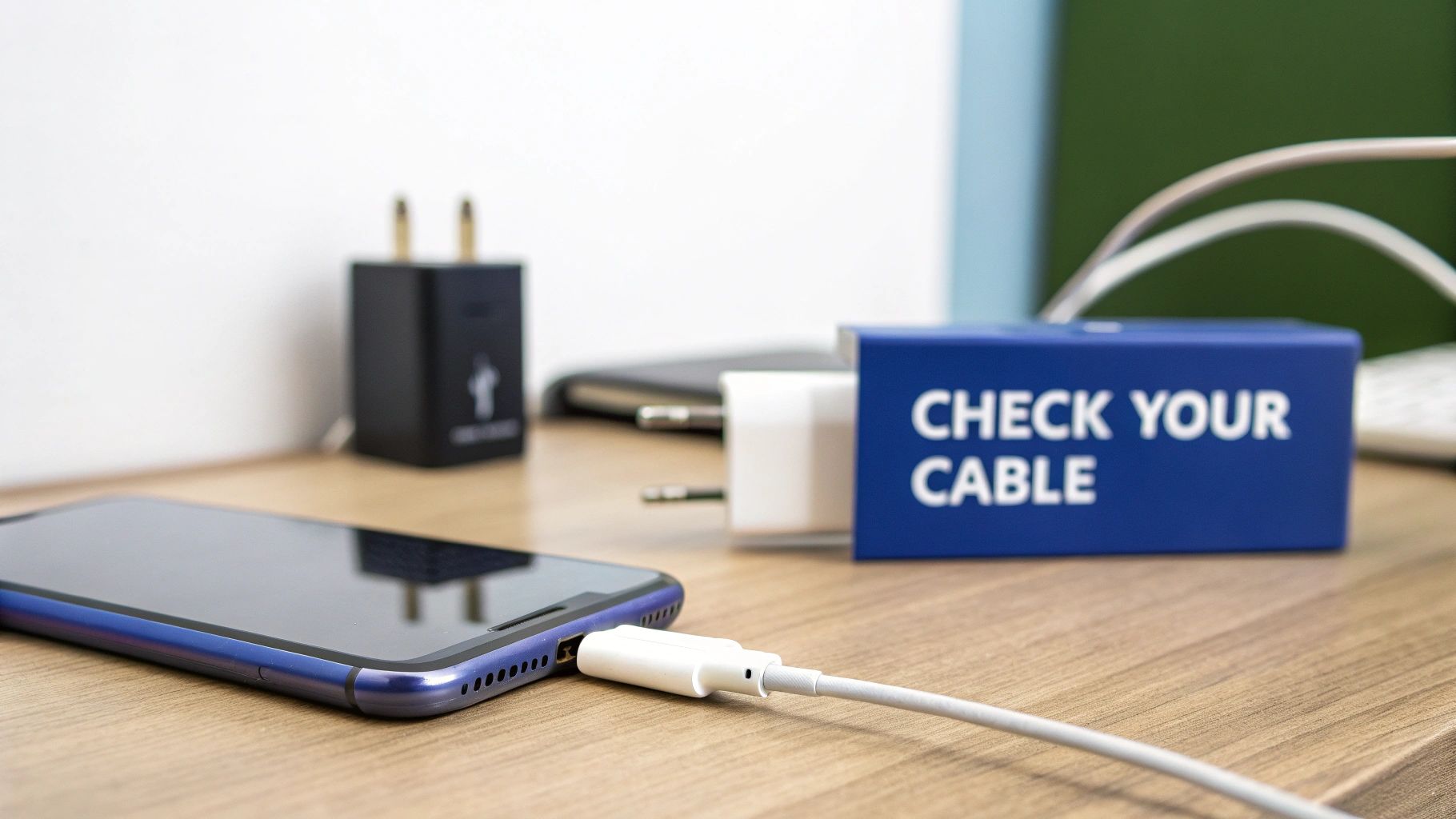
alt text: Close-up of a frayed white charging cable, highlighting potential damage that could cause charging issues.
Alright, so you’ve cleaned the port and confirmed the power point is working, but your phone still isn’t charging. More often than not, the culprit is your charging gear itself. Cables and adapters take a beating in day-to-day life, and physical damage is one of the most common reasons a phone refuses to charge.
Giving your accessories a thorough once-over is the next logical move. It doesn't cost a cent and can save you a trip to the repair shop by quickly identifying the problem. Start with your charging cable and inspect it from end to end, paying extra attention to the areas near the connectors—that's where they usually fail first.
Finding Faults in Your Cable and Adapter
Your charging cable is almost always the first component to give up the ghost. Think about it: it gets bent, twisted, yanked out of the wall, and stuffed into bags. All that stress eventually takes its toll. You’re looking for any obvious signs of wear, which are a dead giveaway for an internal break in the wiring.
Here's what to keep an eye out for on your cable:
- Fraying or exposed wires: This is a classic, especially near the connector heads. If you can see any internal wiring, the cable is a hazard and needs to be replaced immediately.
- Sharp bends or kinks: Permanent kinks are bad news. They can easily damage the delicate wires inside, even if the outer rubberised coating looks fine.
- Loose or wobbly connectors: The USB or Lightning end should fit snugly into your phone. If it feels loose or wiggly, the connector itself is likely damaged.
Next up, have a look at the power adapter—the block that plugs into the wall. These are generally tougher than cables, but they aren't invincible. Check for any scorch marks or brown discolouration around the USB port or the prongs. This can signal an internal short circuit. A faint burning smell is another massive red flag.
The Importance of Certified Chargers
It’s always tempting to grab a cheap, generic cable from a service station when you're in a pinch, but this is a classic false economy. These knock-offs just don't have the safety features or quality control of genuine or certified accessories.
Using a low-quality charger can cause all sorts of problems:
- Painfully slow or inconsistent charging speeds.
- Damage to your phone's delicate charging port or even the battery.
- Overheating, which is a serious safety risk.
My advice? Always stick with chargers from your phone's manufacturer or a reputable brand that is MFi (Made for iPhone) certified or has the equivalent stamp of approval for Android devices. This guarantees the accessory is actually designed to work safely and properly with your phone.
Use the Process of Elimination
The absolute best way to confirm a faulty accessory is to simply test it with another device. Grab a different phone, a tablet, or anything else that uses the same connection and see if your cable and adapter will charge it. If nothing happens, you've found your problem.
On the flip side, try charging your phone with a cable and adapter that you know for sure are working. If your phone springs back to life and starts charging, you can be 100% certain your old gear was the issue. It's a simple, methodical way to isolate the variable and avoid paying for a repair you don't need. If you've already figured out the issue lies with your device's USB port, you can find more detailed help in our guide to fixing USB ports that are not working.
Software Glitches and Battery Health Insights
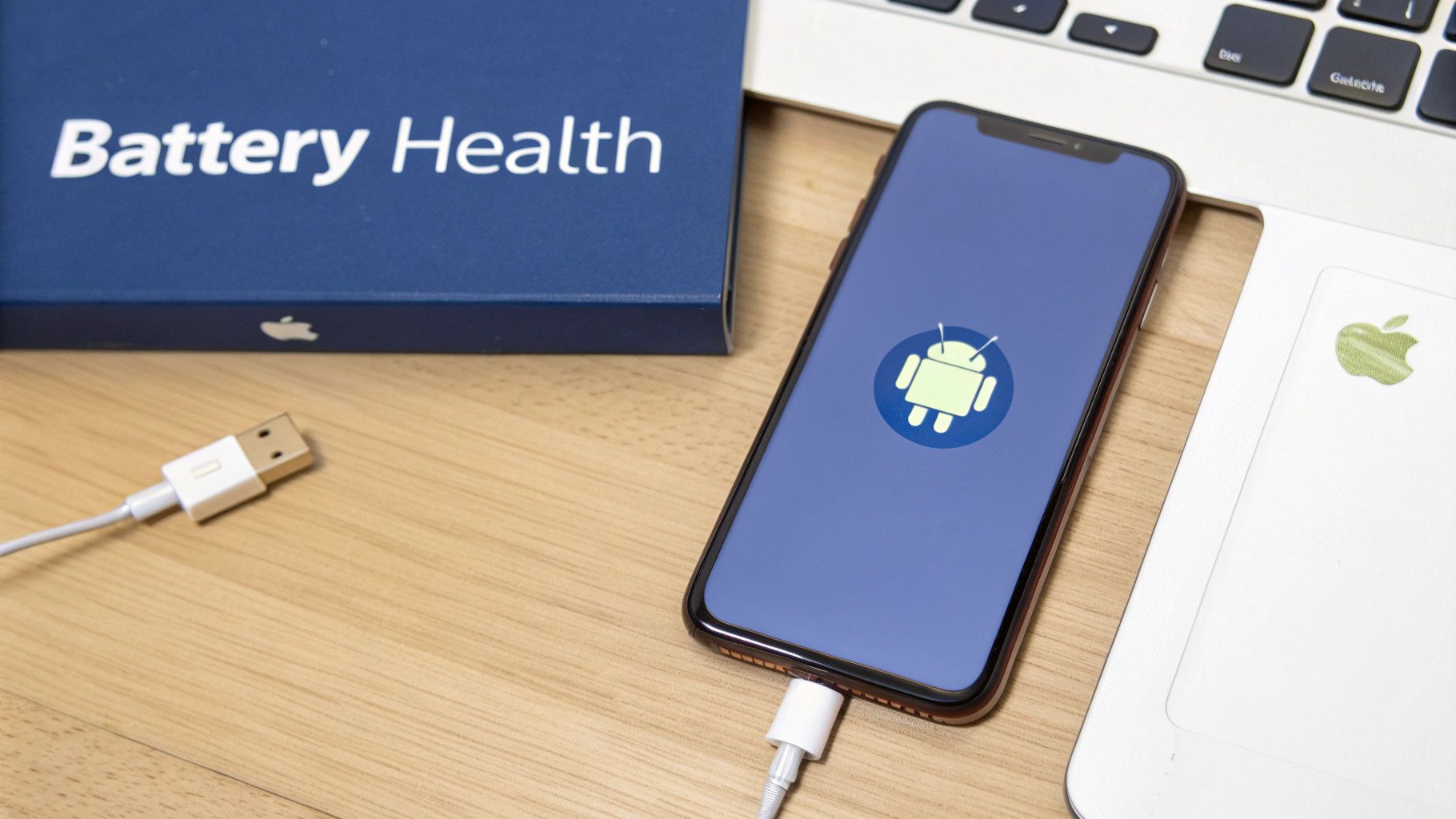
alt text: A smartphone displaying its battery health percentage, indicating the need to check battery condition.
So, you've checked your cables, cleaned the port, and you're certain the power source is working. What now? Before you assume the worst, it's worth remembering that the problem might not be physical at all. The software running your phone is incredibly complex, and sometimes it just gets confused. A phone not charging can often be a symptom of a digital hiccup, not a hardware failure.
Temporary glitches in the operating system can easily interfere with the charging process. It happens more often than you'd think. Before you dive into anything more complicated, one of the most powerful troubleshooting steps is a simple "force restart."
This isn't the same as just turning it off and on again. A force restart completely clears the phone's temporary memory (RAM) and shuts down every single background process. This can often resolve those sneaky software conflicts that are stopping your phone from charging.
The Power of a Force Restart
Think of a force restart as a clean slate for your phone's operating system, but without deleting any of your personal data. The exact method varies a bit between devices, but it usually involves holding a specific combination of buttons until the screen goes black and the manufacturer's logo pops back up.
- For most iPhones: Quickly press and release the volume up button, then do the same with the volume down button. Finally, press and hold the side button until you see the Apple logo.
- For most Android phones: Press and hold the power button and the volume down button at the same time for about 10-15 seconds. You'll feel a vibration as the device reboots.
This one simple action can often jolt the charging system back to life. In my experience, it's the go-to first step for any weird software issue, and it’s surprisingly effective for charging problems.
Understanding Your Battery's Health
If a software reset doesn't do the trick, it's time to investigate the battery itself. All phone batteries are consumables—they degrade over time and with every charge cycle. Eventually, they just can't hold a charge like they used to, and a severely degraded battery might refuse to charge at all.
Thankfully, both iOS and Android give you a way to check on your battery's condition.
You can usually find this information deep in your phone's settings:
-
On an iPhone: Navigate to
Settings > Battery > Battery Health & Charging. Look for the "Maximum Capacity" percentage. -
On an Android: The path can differ, but it's often under
Settings > BatteryorSettings > Device Care > Battery. Manufacturers like Samsung might just show a status like "Good" or "Weak."
A battery's "Maximum Capacity" shows its ability to hold a charge compared to when it was brand new. Once that number drops below 80%, the battery is considered significantly degraded. You'll definitely notice a sharp decline in performance and charging stability around this point.
When a battery's health is poor, it can’t draw power properly. It looks like a charging issue, but it's actually the battery that has failed. This growing concern over battery life is a big deal, and it has driven some major market trends. For instance, the Australian portable power bank market was valued at around USD 201.8 million in 2025 and is projected to climb to USD 341.4 million by 2032. That's a clear sign of just how many of us are looking for ways to keep our phones alive on the go. You can dig into these trends in the full Coherent Market Insights report.
If your battery health is looking grim, a professional battery replacement is almost always the most reliable and long-lasting fix.
Recognising When You Need a Professional Repair
alt text: A repair technician carefully inspecting an iPhone charging port on a workbench in Brisbane.
While many charging issues can be sorted out with a bit of DIY troubleshooting, some symptoms are a dead giveaway that it's time to put the tools down and call in an expert. Trying to force a bad connection or ignoring a serious hardware problem can cause permanent damage, turning what might have been a simple fix into a much more expensive replacement.
Knowing your limits is crucial. If you've gone through all the basic checks and your phone is still playing dead, the problem likely runs deeper than a bit of lint in the port or a dodgy cable. Some signs point directly to an internal hardware failure that requires a technician’s skill and specialised tools to fix properly.
Clear Signs of Hardware Failure
One of the biggest red flags is a charging port that feels loose or wobbly when you plug in the cable. Any physical instability like that means the internal connections on the logic board have probably been damaged or worked themselves loose. Wiggling the cable to find that "sweet spot" where it starts charging is a temporary fix at best and can cause more damage in the long run.
Look for any visual signs of damage around the port, too. Things like scorch marks, melted plastic, or bent pins are definite warnings that something is seriously wrong, possibly a short circuit.
Water damage is another big one. Even if your phone seems dry on the outside, internal corrosion could be stopping it from charging. Check for any discolouration inside the port or look at the Liquid Contact Indicator (LCI) if your device has one.
The most dangerous symptom of all is a swollen battery. If you notice your phone's screen lifting, the case bulging, or a strange sweet smell, stop using it immediately. A swollen battery is a serious fire hazard and needs to be handled by a professional.
Why Professional Diagnostics Matter
Attempting complex hardware repairs yourself is incredibly risky. Without the right experience and equipment, it's far too easy to short out the logic board, tear a delicate ribbon cable, or just make the original problem worse. A professional diagnostic service takes all the guesswork out of the situation.
A skilled technician can pinpoint the root cause, whether it's a busted charging port, a dead battery, or a more complicated logic board issue. It's a problem we're seeing more of across Australia. The Telecommunications Industry Ombudsman (TIO) recently reported a 29.7% jump in complaints where having no phone service was the primary issue, which often ties back to charging and power problems. You can dig into these stats in the latest TIO Data Insights report.
If you think a failing battery is the culprit, our guide on when to replace your Apple iPhone battery has more info on the signs and solutions. Ultimately, trusting a professional for iPhone Repairs Brisbane ensures the job is done safely and correctly, giving you a reliable fix that lasts.
Your Expert Repair Options in Brisbane
So you’ve tried everything, and your phone still won’t charge. When you’ve exhausted all the DIY tricks, it’s a pretty clear sign the problem is a hardware failure. This is where you need to call in the experts.
Attempting a complex internal repair without the right tools and training can easily turn a fixable issue into a permanent one. At Screen Fixed, we take the guesswork out of the equation with professional diagnostics and high-quality repairs that get it right the first time.
Finding a technician you can trust is probably the most important part of the process. We get it—a phone not charging is a massive headache. That's why our entire process is built on being upfront and relying on genuine expertise. When you bring your device to our Brisbane workshop, we don't just start swapping parts. We methodically hunt down the root cause of the problem first.
What to Expect From Our Technicians
Our first move is always a full diagnostic check. We’ll get in there and assess the charging port for any internal damage, test the battery's health and performance, and inspect the logic board for tiny faults that could be stopping the charge. It’s all about making sure we fix the right problem from the get-go.
Once we’ve got the culprit cornered, we’ll walk you through the options. This usually involves one of several specialised services:
- Charging Port Replacement: If the port is physically damaged or has an internal fault, we’ll replace the whole component with a premium-quality part. This restores a solid, reliable connection that you can count on.
- Professional Battery Swap: For phones with worn-out batteries that just can't hold a charge anymore, we perform a safe and clean battery replacement. This brings your device's power performance right back to how it was out of the box.
- Water Damage Diagnostics: If we suspect moisture is the villain, we’ll do a detailed internal inspection to see how much corrosion has set in and figure out the best way forward.
Our Commitment to Quality Parts
Using high-quality, reliable parts is completely non-negotiable for us. The market is flooded with cheap, low-grade components that often fail within weeks, but we only source premium parts that meet our strict standards for performance and longevity.
This commitment means your repair is built to last, giving you peace of mind that your phone will charge properly for a long time to come. For more on what separates a great repair service from the rest, have a look at our guide on finding the best iPhone repairs in Sydney and Brisbane.
We believe a good repair is an invisible one. Your phone should work just as it did when it was new, without any compromises. That’s the standard we hold ourselves to with every device that comes through our doors.
Reliable charging isn't just a concern for our phones. In Australia, there’s a huge push to improve charging infrastructure nationwide. As of mid-2025, the country had over 1,310 public fast-charging sites, marking an 8.5% increase in just three months to support a growing fleet of electric vehicles. This national focus on dependable power mirrors our own commitment to making sure your personal devices charge reliably, every single day.
If you’re tired of fighting with a phone that won’t charge, let our experts provide a solution that actually lasts.
Book your repair with Screen Fixed Brisbane today.
Got Questions About Your Phone Not Charging?
When your phone stops charging, it’s natural to have a bunch of questions running through your head. To give you some quick, clear answers, we've gathered the most common queries we get from our customers right here in Australia.
This section gets straight to the point, helping you figure out what's going on with your device and what to do next.
How Much Does a Charging Port Repair Cost in Australia?
The cost to fix a charging port can be a bit of a moving target, but you’re typically looking at somewhere between $90 and $200. The final price really comes down to a few key things.
Your phone's model is the biggest factor. Newer or flagship models, like the latest iPhone or Samsung Galaxy, often have more intricate designs, making the job more labour-intensive. The severity of the damage also matters—a straightforward port replacement will be cheaper than a repair that also involves fixing the main logic board.
My Phone Got Wet and Won't Charge – Can It Be Fixed?
This is a serious one, but it's often fixable. If your phone takes a dive, the first and most critical step is to turn it off immediately. Whatever you do, don't plug it in. Trying to charge a wet phone is a surefire way to cause a short circuit and fry the internal components for good.
Your next move should be to get it to a professional for a proper water damage assessment. A good technician will take the phone apart, use specialised solutions to clean off any corrosion, and diagnose exactly what's been affected. In many cases, a deep clean and maybe a new battery or charging port is all it takes to get it working again.
Why Is My Phone Suddenly Charging So Slowly?
Slow charging is a massive pain, and a few different culprits could be to blame. Sometimes it's the simple stuff, like using a weak power adapter or a dodgy, uncertified cable that just can't push enough juice.
Software glitches can also be the problem. A recent update might have introduced a bug, or you could have an app running wild in the background, draining power faster than your charger can keep up. Most often though, especially with older phones, it’s just an ageing battery. Over time, a battery’s ability to take and hold a charge degrades, leading to those painfully slow top-ups.
Leaving your phone to charge overnight is generally safe with modern smartphones. They have built-in protection that stops charging once the battery is full, so you don't have to worry about overcharging.
That said, if you want to really maximise your battery's lifespan, try to keep its charge between 20% and 80% when you can. Constantly pushing it to 100% and then letting it die completely puts extra strain on it over the long haul.
If you’ve run through all the troubleshooting tips and your phone still refuses to charge, our team at Screen Fixed Brisbane is ready to step in. Don't let a busted charging port or a dead battery ruin your day.
Book your professional repair with us today and get your device back in action.
Disclaimer: All third-party brand names and trademarks, such as Apple, iPhone, Samsung, and Galaxy are the property of their respective owners. Screen Fixed is an independent service provider and is not affiliated with or endorsed by these brands.